Perspective in Krita: Assistants and Grids
Krita's Assistant Tool offers a range of perspective helpers, from single vanishing points to two-point grids and curvilinear perspective, and freehand brushes can snap to them.
In short
- Add assistants with the Assistant Tool; choose the type in Tool Options.
- Turn on Snap to Assistants in the Freehand Brush tool options.
- 2 Point Perspective (Krita 5.0+) shows square grid planes.
- Curvilinear Perspective (Krita 5.3+) helps build 4- and 5-point setups.
Useful assistant types
- Vanishing Point: one point with helper handles; snapped lines run to it.
- Perspective: click four corners to make a grid on a plane; extend it from edge midpoints.
- 2 Point Perspective: two vanishing points plus a vertical ruler in one assistant, with a visible square grid.
- Fish Eye Point and Curvilinear Perspective: curved guides for fisheye and four- or five-point work.
- Perspective Ellipse: draws circles in perspective inside a four-cornered plane.
Set up two-point perspective
- Choose the Assistant Tool. Pick it from the toolbox and open Tool Options.
- Select 2 Point Perspective. Click to place the two vanishing points and the centre of vision.
- Adjust density. Use the Density option to make the grid finer or coarser.
- Enable snapping. Switch to the Freehand Brush and turn on Snap to Assistants.
- Draw. Strokes now follow the assistant; toggle snapping off for freehand detail.
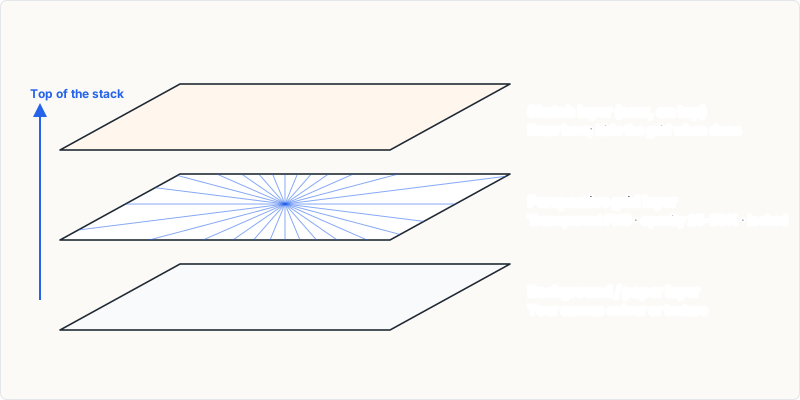
Reuse your setup
Assistants can be saved as a .paintingassistant file from the Tool Options and loaded on another canvas. Pair that with an exported grid image if you want the same layout visible in other apps or on paper.
Frequently asked questions
Can Krita do five-point perspective?
Yes, by combining Curvilinear Perspective or Fish Eye Point assistants with a Vanishing Point in the centre.