Using a Perspective Grid in Procreate
Procreate has a built-in Perspective Guide with up to three vanishing points and optional Drawing Assist. For curvilinear grids, a reusable layout, or a grid you can see in exported files, import a transparent grid image as its own layer instead.
In short
- Free transparent PNG grids at 2048 × 2732 are linked below — import, scale to fit, lower opacity.
- Built-in: Actions → Canvas → Edit Drawing Guide → Perspective.
- Tap the canvas to add up to three vanishing points.
- Drawing Assist snaps strokes to the guide lines.
- Imported PNG: works for 4- and 5-point grids and survives export.
Option 1: Procreate's Perspective Guide
- Open Actions → Canvas and tap Edit Drawing Guide.
- Tap Perspective at the bottom of the Drawing Guides screen.
- Tap the canvas to create a vanishing point. Add up to three for one-, two- or three-point perspective.
- Drag the nodes and the horizon to position them. Tap a point and choose Delete to remove it.
- Adjust colour, thickness and opacity, then enable Drawing Assist if you want strokes to snap to the guide.
- Tap Done.
Free transparent grids at iPad size
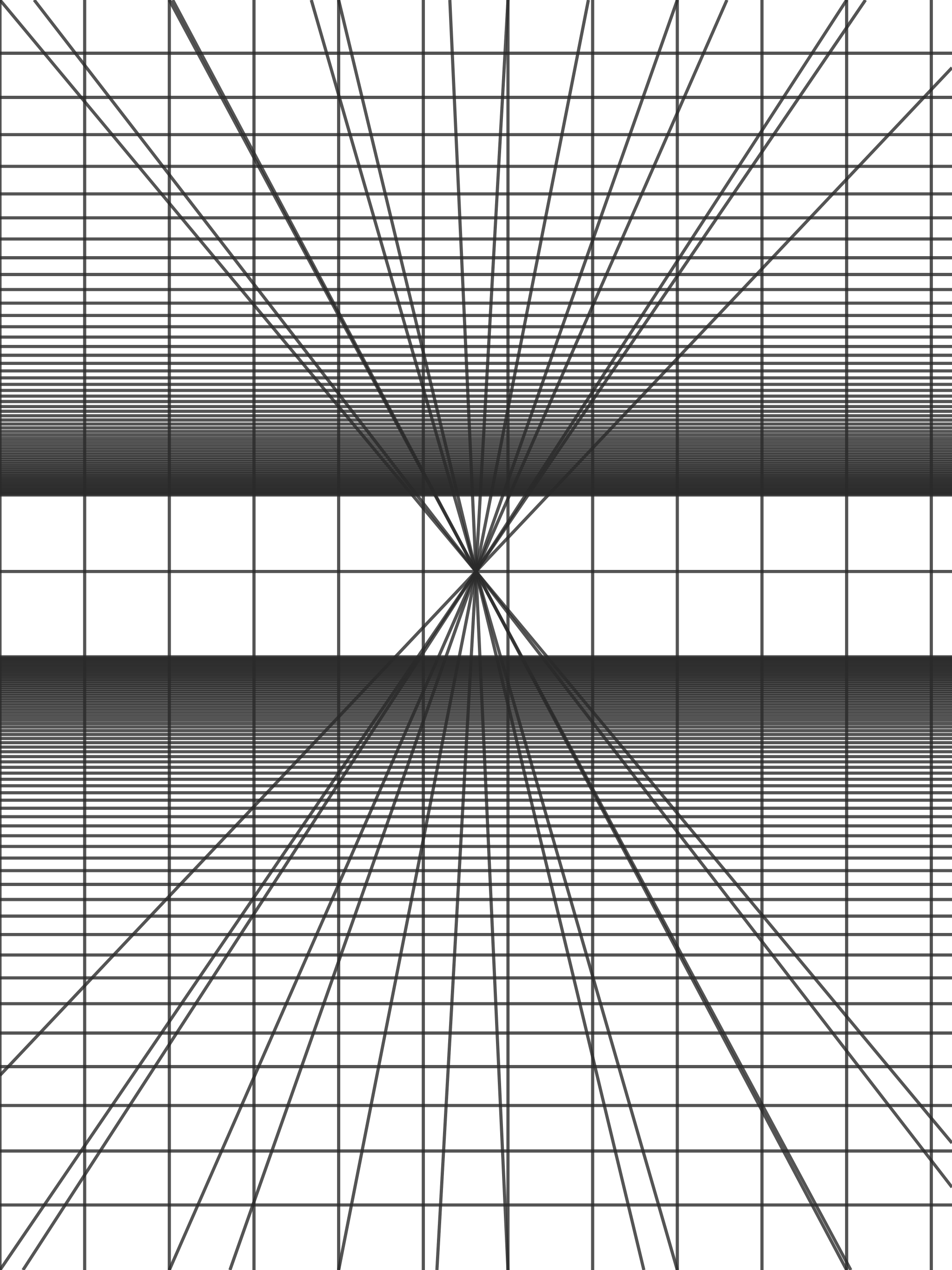
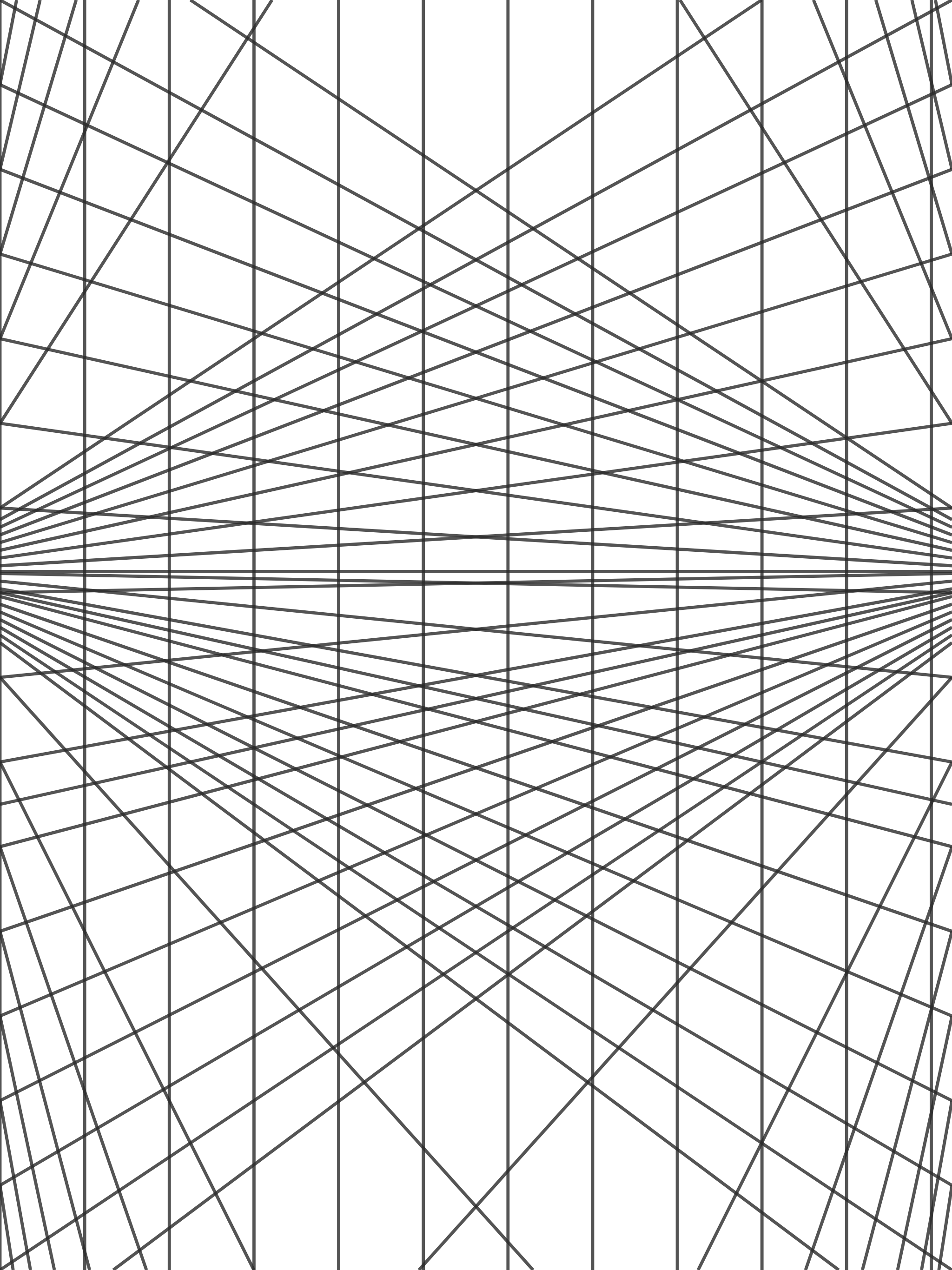
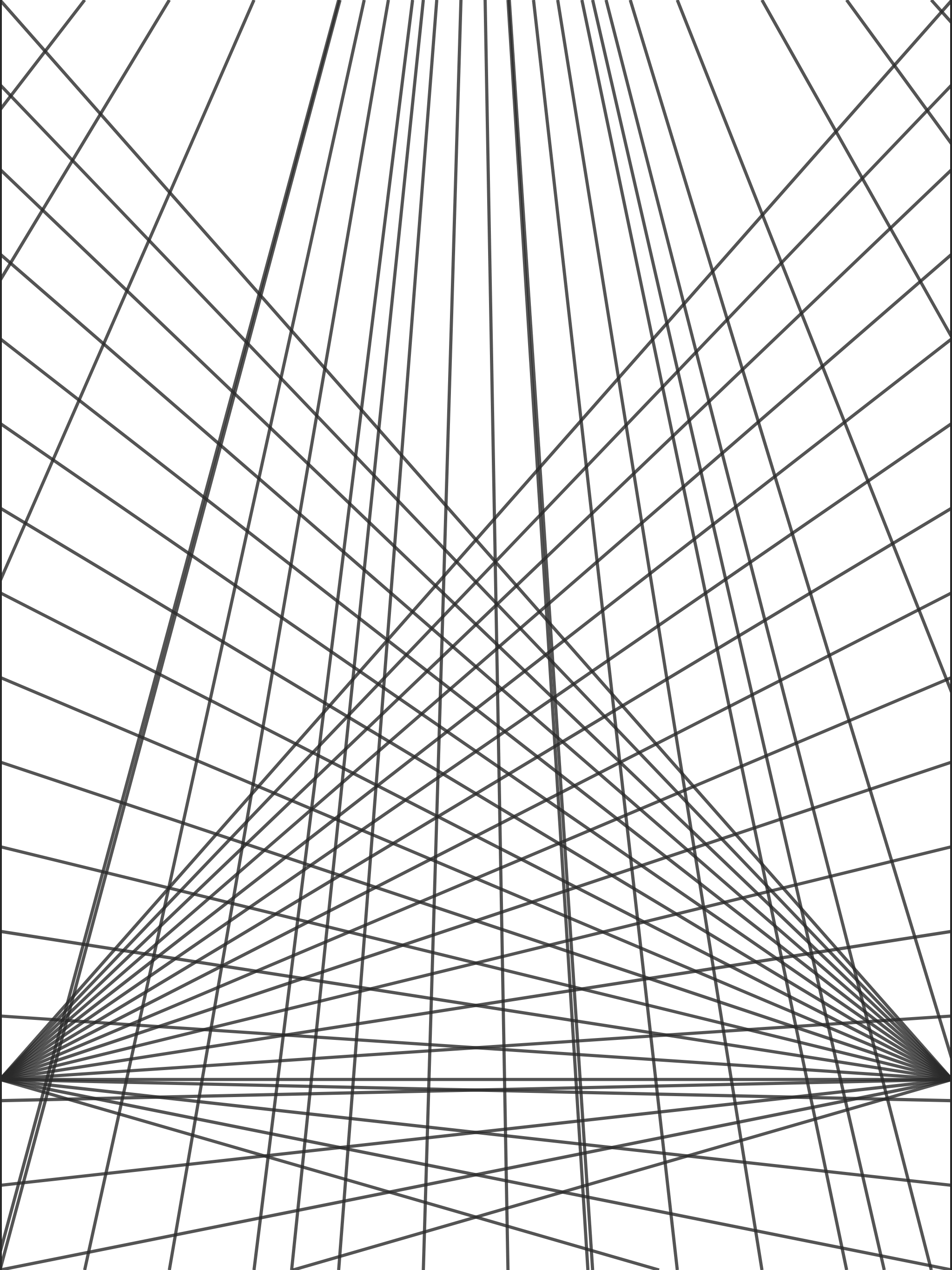
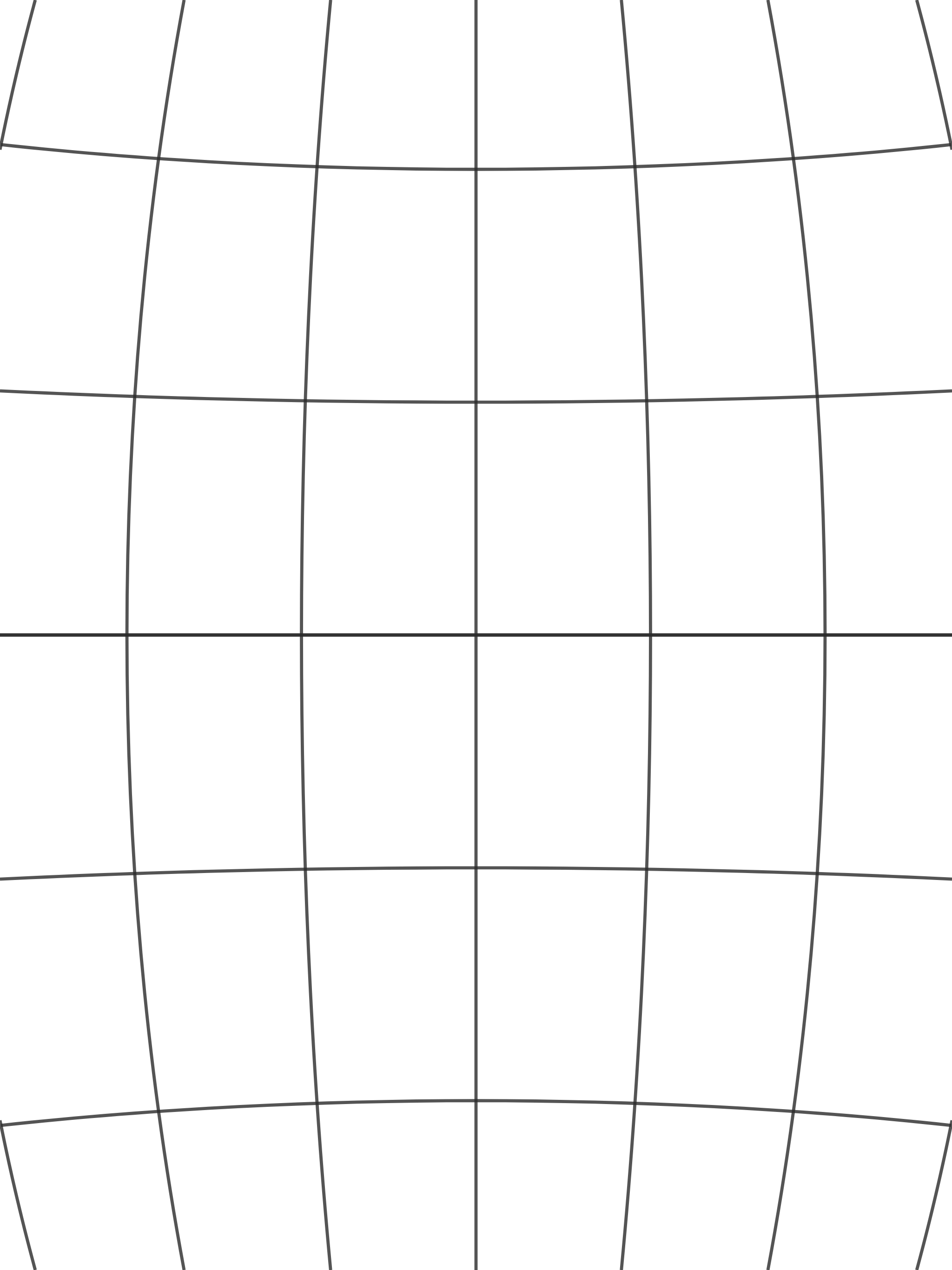
These PNGs are 2048 × 2732 pixels with a transparent background, the screen size of a 12.9 or 13-inch iPad Pro in portrait. On other iPads they still fit after a quick scale. Save one to Files or Photos, then insert it as described below.
- 1-point perspective grid (PNG): rooms, corridors, roads.
- 2-point perspective grid (PNG): buildings and room corners.
- 3-point, looking up (PNG): towers and heroic angles.
- 5-point fisheye grid (PNG): something Procreate's own guide cannot do.
Make a grid at your exact iPad canvas size
A grid that matches the canvas pixel for pixel lands exactly in place, with no stretching. Open the tool at one of these sizes, move the vanishing points, then click Export PNG.
| iPad (Procreate screen size) | Portrait | Landscape |
|---|---|---|
| iPad Pro 12.9″ / 13″ | 2048 × 2732 | 2732 × 2048 |
| iPad Pro 11″ | 1668 × 2388 | 2388 × 1668 |
| iPad Air 11″ / iPad 10.9″ | 1640 × 2360 | 2360 × 1640 |
| iPad mini 8.3″ | 1488 × 2266 | 2266 × 1488 |
Using a custom Procreate canvas, such as A4 at 300 dpi? Pick it from the same list, or type the width and height under Custom. In the tool you can also upload a reference photo, match the grid to it, and export only the grid.
Option 2: Import a grid image
- Generate the grid. Set the mode, horizon and vanishing points in the grid generator. Under Canvas Aspect, choose your iPad in Size for a device or paper so the PNG matches your Procreate canvas pixel for pixel, then click Export PNG. The background is transparent by default.
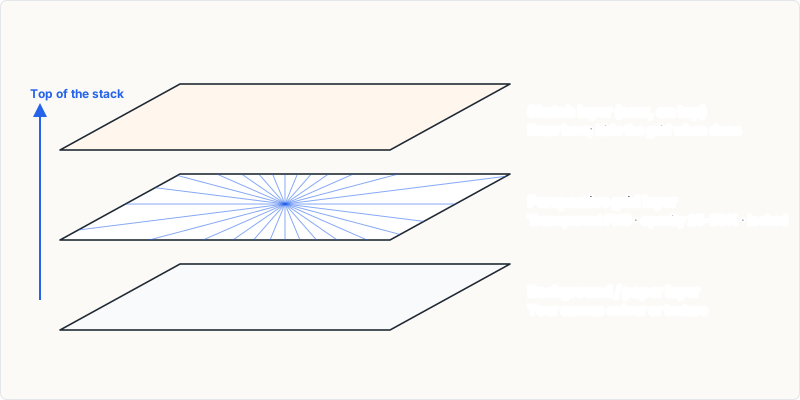
- Insert it. In Procreate, use Actions → Add and insert the image from Photos or Files. It arrives as a new layer.
- Fit and lock. Scale it to fill the canvas, then lock the layer so you do not draw on it by accident.
- Lower the opacity. Tap the N on the grid layer and drag Opacity to around 25–40%. Lines stay visible but quiet; Multiply blend mode keeps them from covering your colours.
- Draw above it. Add a new layer on top and sketch. Hide the grid layer before exporting the final image.
Which should you use?
- Built-in guide: best for fast line work with snapping in 1–3-point perspective.
- Imported grid: best for fisheye and four-point grids, for matching a reference photo, for reusing the exact same setup across many pieces, and when you want the grid visible in a shared work-in-progress.
Many artists use both: the imported grid to plan the scene, the built-in guide with Drawing Assist to ink it.
Frequently asked questions
What size should the grid PNG be for Procreate?
The same pixel size as your Procreate canvas. Screen-size canvases are 2048 × 2732 on a 12.9 or 13-inch iPad Pro, 1668 × 2388 on an 11-inch iPad Pro, 1640 × 2360 on an iPad Air or 10.9-inch iPad and 1488 × 2266 on an iPad mini. The grid tool has all of these under Size for a device or paper.
How do I make the grid lighter in Procreate?
Tap the N on the grid layer and drag the Opacity slider to around 25–40%. You can also set the layer to Multiply so the lines darken your colours instead of covering them.
How many vanishing points does Procreate's guide support?
Up to three, which covers one-, two- and three-point perspective.
How do I get a fisheye grid in Procreate?
Generate a five-point grid as a transparent PNG and import it as a layer.